Security Panel and Smart Hub: The Brain of Your Home Security System
One touchscreen. One app. Every sensor, every camera, every smart device in your home, working together. The single place where your home's protection becomes one connected system.
Want to see what the right system looks like for your home?
Tell us about your home and we'll recommend the right setup. Free consultation, no pressure.
What a Smart Security Panel Actually Does
The security panel is the command center for your entire system. It's the one device that connects every sensor, every camera, and every smart device in your home into a single network. Without it, those devices would just be a collection of disconnected gadgets.
Six Things the Panel Handles Every Day
Arms and disarms your system
Tap a button when you leave or arrive. Set custom modes for night, vacation, or when guests are over.
Connects every sensor
Door and window sensors, motion detectors, glass break sensors, smoke and CO detectors, water leak sensors. All wired to the panel.
Talks to the monitoring center
When an alarm is triggered, the panel instantly sends a signal to the 24/7 monitoring team for verification and dispatch.
Controls smart home devices
Smart locks, smart thermostats, smart plugs, smart lighting, garage door controls — all from the same panel.
Manages user access
Create unique codes for family members, guests, cleaning services, or contractors. Most systems support up to 50 user codes with a master code structure.
Shows you everything in one place
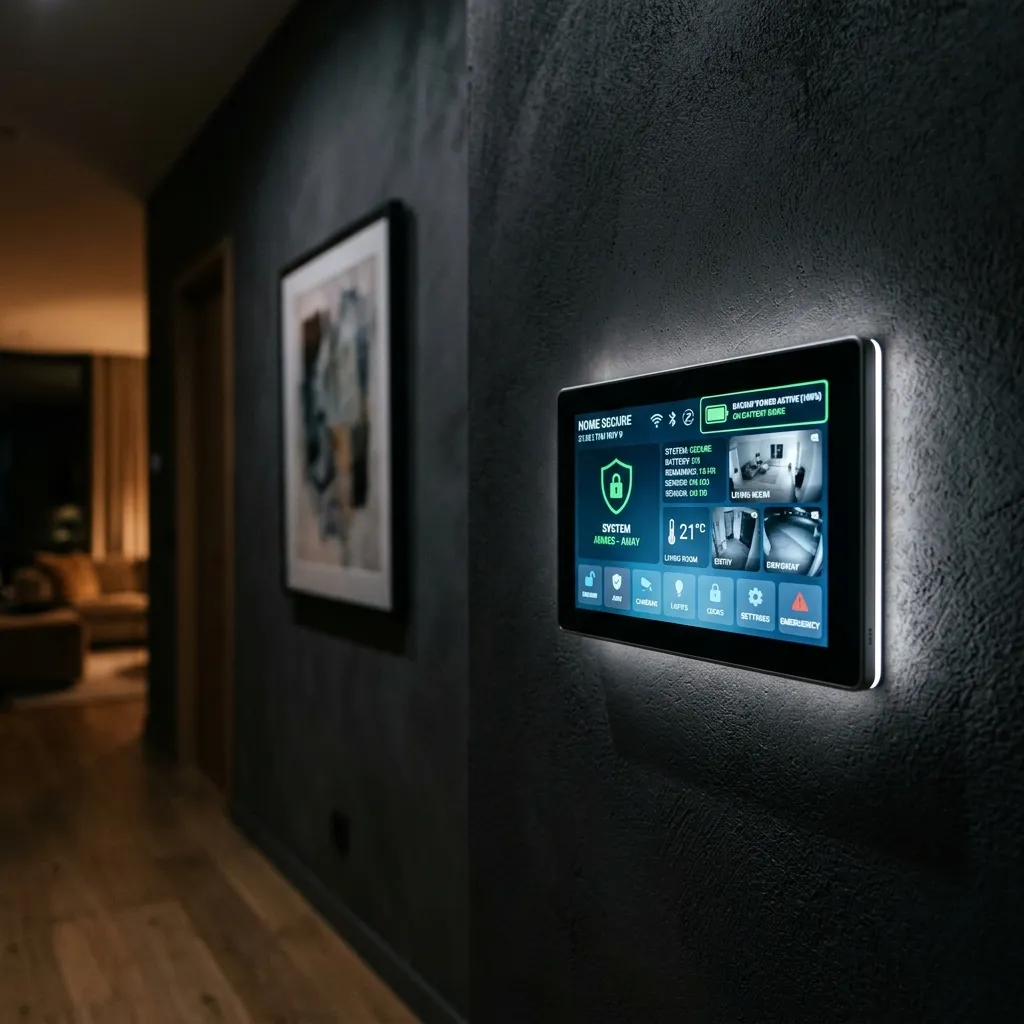
System status, sensor health, camera feeds, battery levels, recent events — all on one screen, plus the same view on your phone.
The Touchscreen Experience
Old-fashioned alarm systems used a small wall keypad with a few buttons and a tiny LCD screen. Modern panels look more like a tablet built into your wall: a full-color touchscreen, typically around seven inches, mounted near a main entrance for easy access.
The touchscreen does more than arm and disarm. It shows the status of every sensor in your home at a glance. It lets you view live camera feeds without picking up your phone. It walks you through setup if you ever add a new device. And many panels include a built-in disarm camera, so you have a record of who turned off the system and when.
How the touchscreen makes control easy
Here is what your wall-mounted panel does to simplify your home's protection.
At-a-Glance Status
It shows the status of every sensor in your home at a glance.
Live Camera Feeds
It lets you view live camera feeds without picking up your phone.
Easy Setup
It walks you through setup if you ever add a new device.
Disarm Camera
Many panels include a built-in disarm camera, so you have a record of who turned off the system and when.
Placement Help
We confirm placement of your main panel and keypads during your free consultation.
Our advisor's take
Most homes do well with one main panel near the primary entrance, plus the mobile app on every family member's phone. Larger homes or homes with multiple living levels sometimes benefit from a second keypad in a master bedroom or upstairs. We confirm placement during your free consultation.
Smart Home Hub: One App, Everything Connected
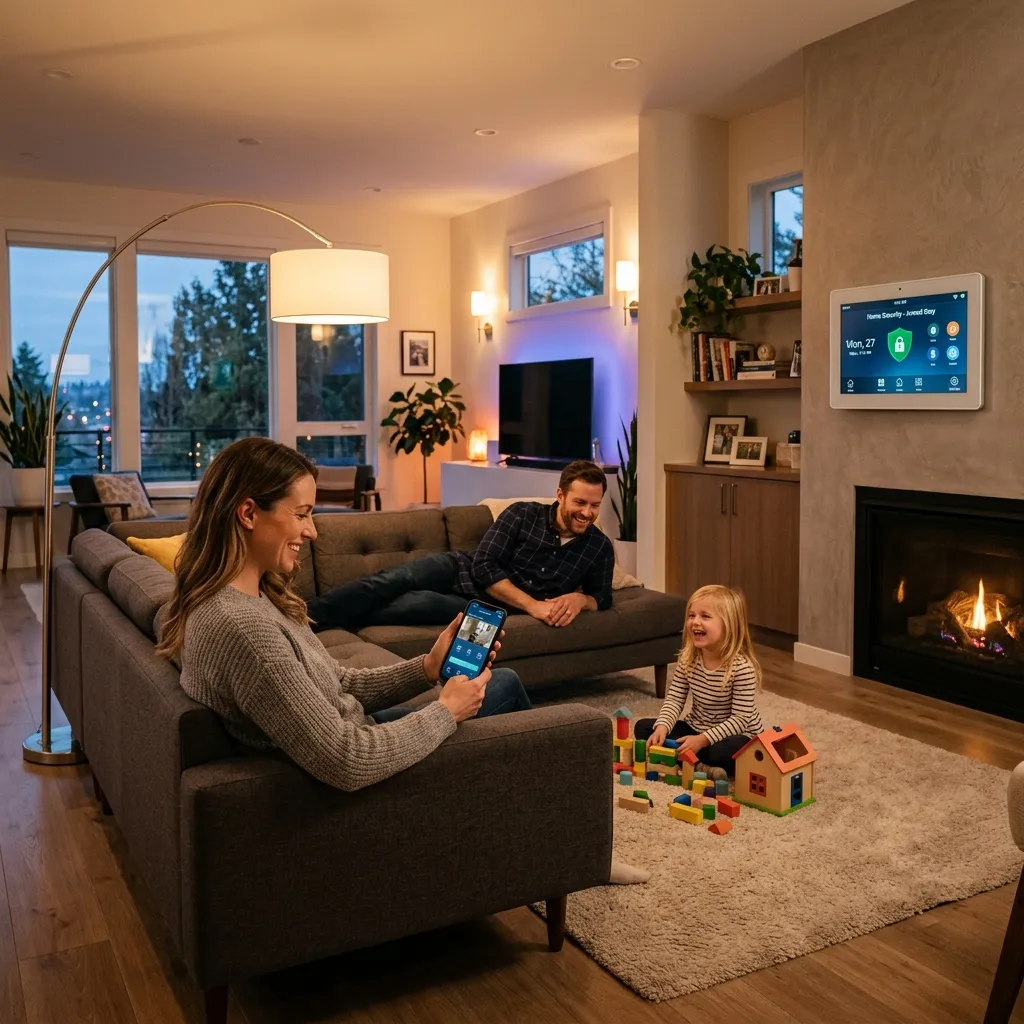
Modern security panels also work as smart home hubs. The same device that watches your sensors can speak to smart locks, thermostats, lights, and other connected devices through wireless protocols like Z-Wave, Zigbee, and the emerging Matter standard.
In plain English: these are the wireless "languages" that smart home devices use to talk to each other. Most modern smart locks, lights, and thermostats speak one of these languages, which is why a single hub can control them all. Z-Wave and Zigbee have been industry standards for years. Matter is the newer cross-brand standard that's being adopted across the industry, with growing support in panels released in 2026.
What this means in real life: your front door can automatically lock when you arm the system at night. Your hallway lights can turn on if a motion sensor trips at 2am. Your thermostat can adjust when you leave for work and warm the house back up before you return. All of this happens automatically once the connected devices are in place, without you having to think about it.
What your smart hub controls automatically
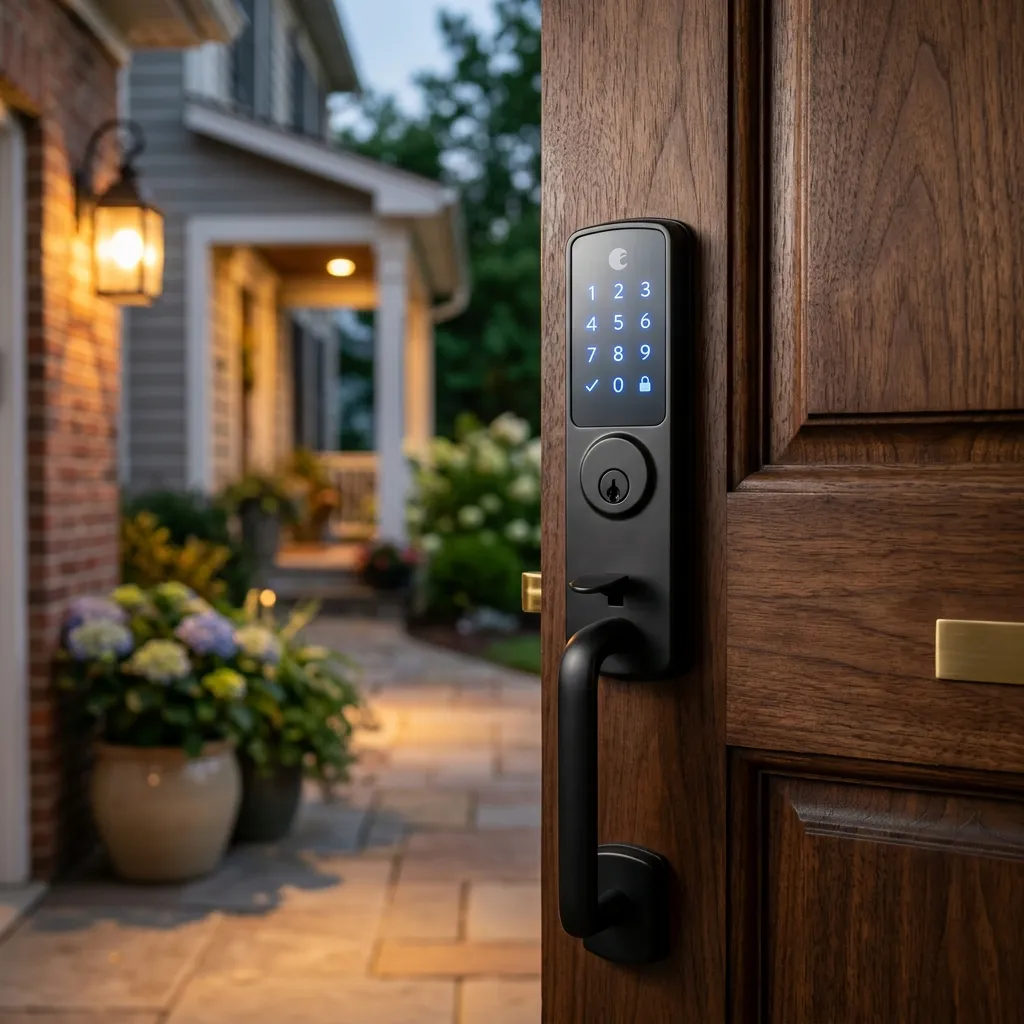
Smart Locks
Your front door can automatically lock when you arm the system at night.
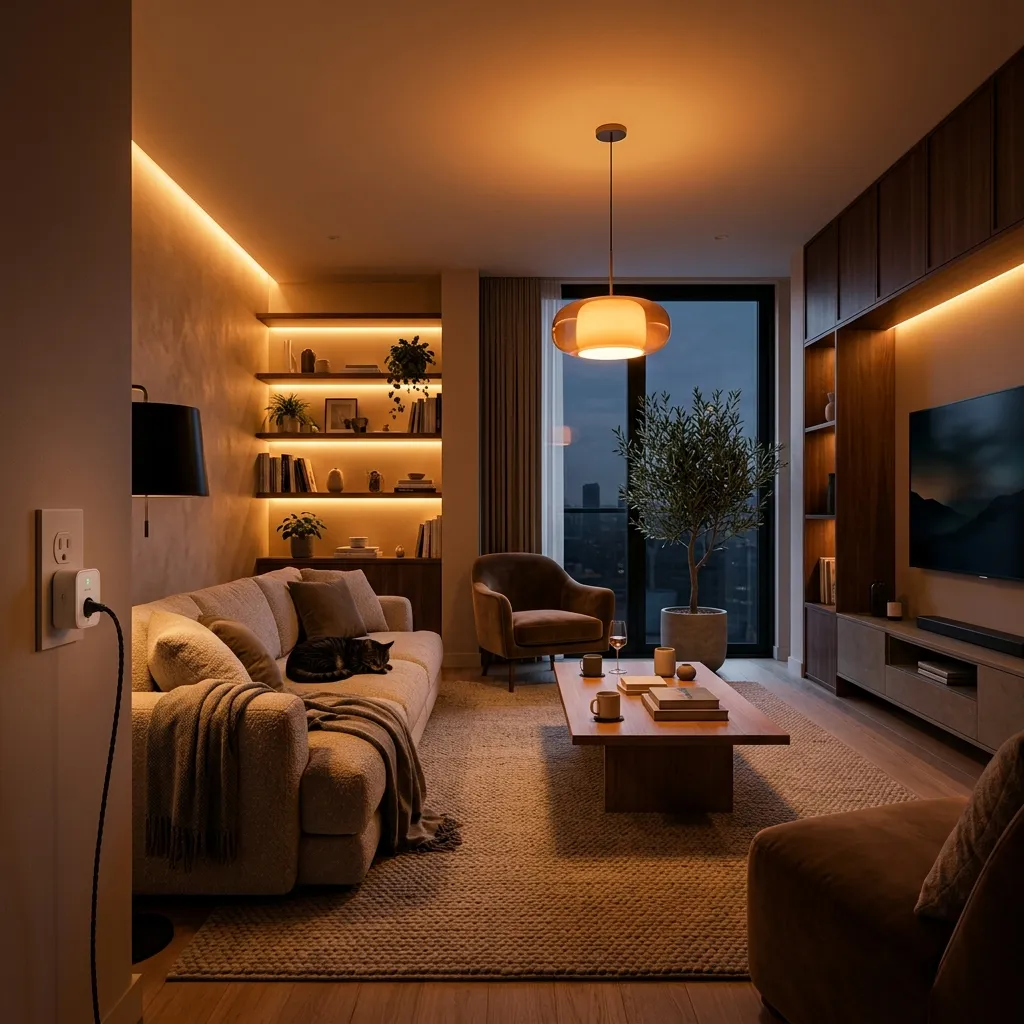
Smart Lights
Your hallway lights can turn on if a motion sensor trips at 2am.
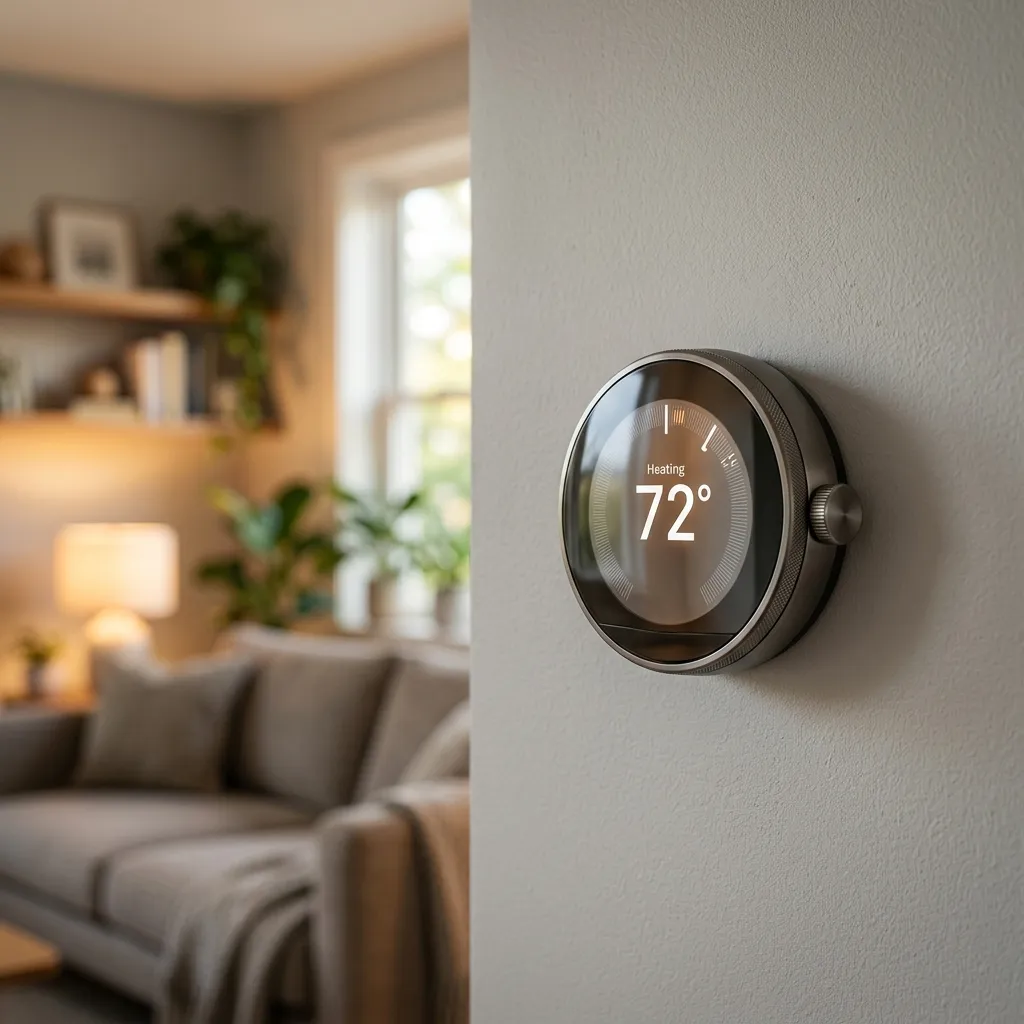
Smart Thermostats
Your thermostat can adjust when you leave and warm up before you return.
Existing Devices
Many existing smart locks, thermostats, and lights can integrate with your panel.
Connected Protocols
Speaks wireless languages like Z-Wave, Zigbee, and Matter standard.
Backup You Can Count On When You Need It Most
Power outages happen. Internet outages happen. Both at the same time happen during storms, when you might need your security system the most. The right panel keeps working through both.
When power goes down, traditional Wi-Fi cameras and smart devices stop communicating. The panel and sensors we recommend are designed with independent channels, ensuring the signal for help reaches the monitoring center no matter what local utilities do.
How backup systems actually protect you
Cellular Backup: The panel uses a dedicated cellular connection to communicate with the monitoring center. If your home internet goes down, the system keeps working. Cellular communication is also more reliable than Wi-Fi for emergency signals, since it can't be cut by an intruder snipping a cable.
Battery Backup: An internal battery keeps the panel running during power outages. Many modern panels include enough backup to last 24 hours or more on a single charge. The monitoring center is alerted automatically if power is lost.
Where the Panel Belongs in Your Home
Placement matters more than most homeowners realize. The panel needs to be convenient enough to use every day, but not so visible that an intruder could spot it through a window or smash it before the alarm fully triggers.
Our advisor's take
Most homes do well with the panel mounted on an interior wall near (but not directly visible from) the main entrance. Close enough that you can arm or disarm in a few seconds when you come and go. Far enough back that someone breaking in can't see the panel from the front door. We walk through this during installation and place the panel where it works for your specific layout. A signal from the panel to the monitoring center goes out within seconds of any alarm, so even if an intruder reaches the panel, the call for help has already been made.
Why Homeowners Choose Home Secure Connect
We are not a security system company. We don't make panels. We don't sell our own brand. That's exactly why so many homeowners come to us.
Get My Free QuoteRight-Sized Setups
Some homes need a single main panel. Some need an extra keypad upstairs. We recommend what fits your layout, not what costs the most.
Professional Placement
Where the panel goes affects both daily use and security. Our installers know the right wall, the right height, and the right entry points.
One Connected System
We set up the panel to talk to every device in your home from day one. No piecing things together later. No app juggling.
Ongoing Support
Need to add a sensor? Change a user code? Update settings? A real advisor walks you through it, before, during, and after install.
Frequently Asked Questions
A security panel is the central control device for your alarm system. It connects to every sensor and camera, communicates with the monitoring center, and lets you arm or disarm the system. A smart hub is the central control device for smart home devices like locks, thermostats, and lights. In modern systems, the security panel and smart hub are usually the same device. One touchscreen does both jobs, which means one app on your phone controls everything from sensors to thermostats.
Yes. Modern professionally installed panels include a dedicated cellular connection to the monitoring center, separate from your home Wi-Fi. If your internet goes down, the panel keeps working and the monitoring center stays connected. This is one of the most important differences between a professionally installed system and most do-it-yourself setups.
Most homes do best with the panel mounted on an interior wall near the main entrance, but not so close that it's visible from outside. Convenient enough to use every day, but positioned so an intruder breaking in can't see it from the front door. Our installers handle this placement during the free consultation, based on your specific home layout.
Yes. Most systems support a main panel plus secondary keypads in additional rooms, like a master bedroom or upstairs hallway. This is helpful in larger homes where running to the front door to arm or disarm isn't convenient. We recommend keypad placement based on your daily routines, not based on selling more equipment.
Most modern panels support up to 50 individual user codes, with a master code structure that lets you control who has access to what. You can give your kids their own codes, set a temporary code for a house cleaner, and create a separate code for guests. If a code needs to be removed, you can delete it from the panel or your phone in seconds.
The panel keeps working. Most professionally installed panels include an internal battery backup that typically lasts 24 hours or more on a single charge. The monitoring center is alerted automatically when power is lost, so they're aware that your system is running on battery. When power returns, the panel switches back automatically.